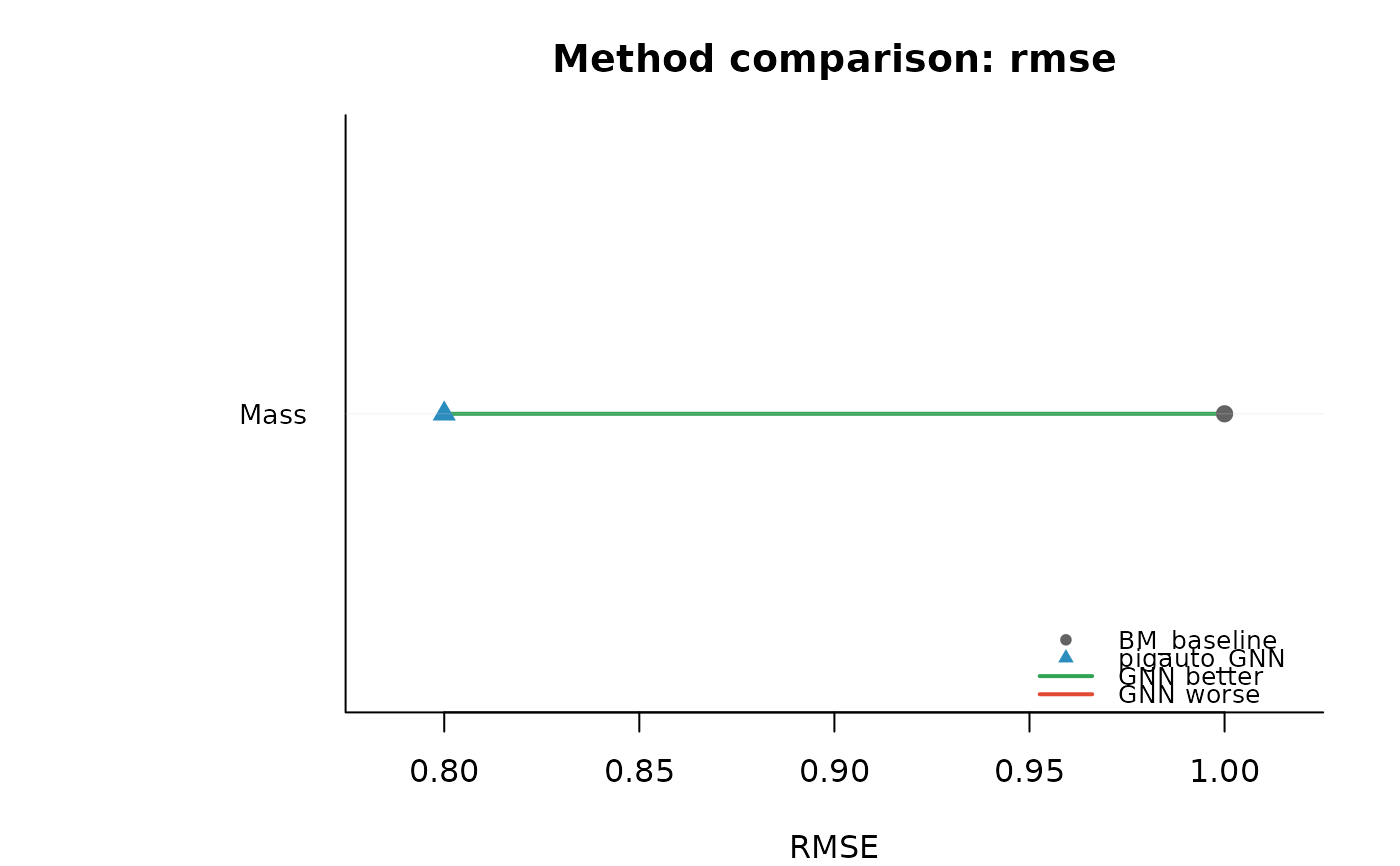
Takes a data.frame of benchmark results and produces a forest-plot style figure comparing baseline and GNN performance per trait. Each trait appears on the y-axis; points mark RMSE (continuous/count) or accuracy (binary/categorical) for the two methods, connected by a horizontal line colour-coded by whether the GNN improves over the baseline.
Usage
plot_comparison(
  results,
  metric = NULL,
  methods = c("baseline", "pigauto"),
  ...
)
Arguments
- results
A data.frame with columns
trait,type,metric,method, andvalue. Typically the output ofcompare_methods,evaluate, or reshaped output fromevaluate_imputation.- metric
Character. Which metric to compare. Default
NULLauto-selects:"rmse"for continuous/count traits and"accuracy"for binary/categorical traits. If a single metric name is supplied, only traits with that metric are shown.- methods
Character vector of length 2: the baseline method name and the pigauto method name. Default
c("baseline", "pigauto"), matching the labels returned bycompare_methodsandevaluate.- ...
Additional arguments passed to
plot().